
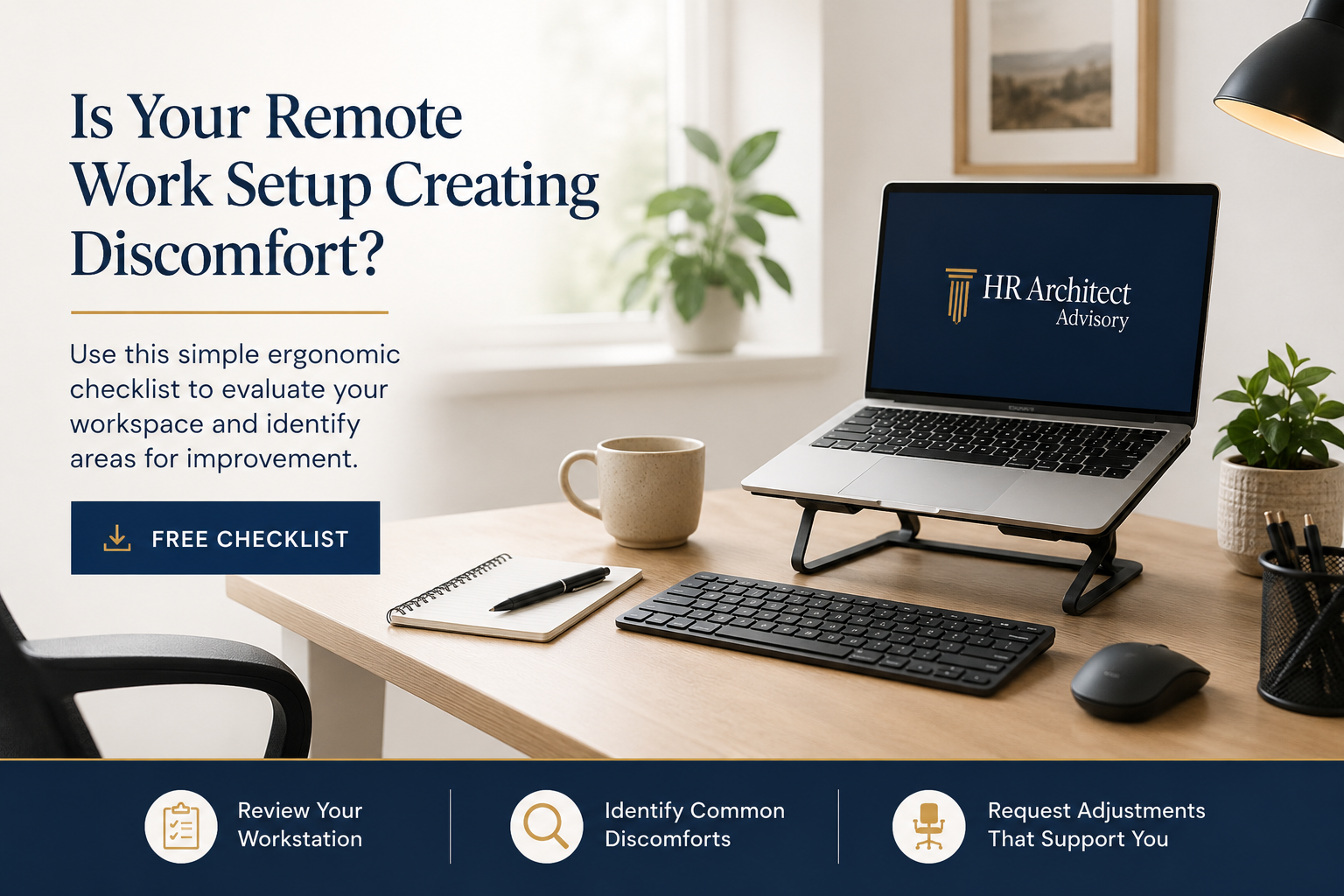
Remote and hybrid work have changed how employees work, but many home workstations were never designed for full-day use.
A kitchen table, couch, laptop-only setup, or shared workspace may work for a quick email check. But over time, small setup issues can contribute to discomfort, reduced focus, and avoidable strain.
That does not mean every employee needs expensive equipment. Often, the first step is simply understanding what is not working.
Why ergonomic self-assessments matter
When employees report discomfort, HR and managers need a practical way to respond.
Without a process, ergonomic concerns can quickly become inconsistent:
One employee gets equipment right away.
Another is told to “try adjusting the chair.”
A manager may ask too many medical questions.
HR may not know whether the issue is a simple workstation concern or something that should be reviewed through an accommodation process.
A simple self-assessment helps create structure.
It gives employees a way to review their setup, identify common issues, and communicate what support may be needed.
Common remote work setup issues
Some of the most common concerns include:
Laptop screens positioned too low
Chairs without enough back support
Feet not supported while seated
Reaching too far for the keyboard or mouse
Looking down or twisting to view a screen
Poor lighting or screen glare
Long periods without movement or posture changes
Frequent calls without a headset or hands-free setup
These issues may seem small, but they can affect comfort, focus, and productivity over time.
What this free checklist helps employees review
The Remote Work Ergonomic Self-Assessment Checklist walks employees through key areas of their workstation, including:
Chair and seating
Desk or work surface
Monitor and screen position
Keyboard, mouse, and wrist position
Phone, video call, and headset setup
Lighting and visual comfort
Movement and work habits
Discomfort areas
Equipment or adjustment requests
The goal is not to diagnose a medical issue. The goal is to help employees and employers identify what may need to be adjusted.
When HR should get involved
Employers should pay close attention when an employee says discomfort is ongoing, worsening, connected to a medical condition, related to pregnancy, tied to an injury, or supported by a healthcare provider recommendation.
In those situations, the concern may need to be reviewed through the employer’s accommodation process rather than treated as a basic equipment request.
Managers should avoid asking for diagnosis, treatment details, or medical history. HR should guide the process and determine the appropriate next steps.
Download the free checklist
Use this free Remote Work Ergonomic Self-Assessment Checklist to help employees review their current setup and identify practical next steps.
This resource is designed for HR teams, office managers, people operations leaders, and small businesses supporting remote or hybrid employees.
Need a more complete employer process?
If your organization needs a more structured way to intake ergonomic concerns, review equipment requests, guide managers, document follow-up, and identify when accommodation escalation may be needed, explore the Ergonomic Assessment Toolkit for Employers.
The full toolkit includes HR intake forms, workstation review checklists, equipment request forms, manager guidance, accommodation escalation tools, follow-up documentation, SOP guidance, and ready-to-use email templates.